The office
Inbox & decisions
Everything that needs you in one place, with one-click answers on the Mac, in notifications, and on your phone.
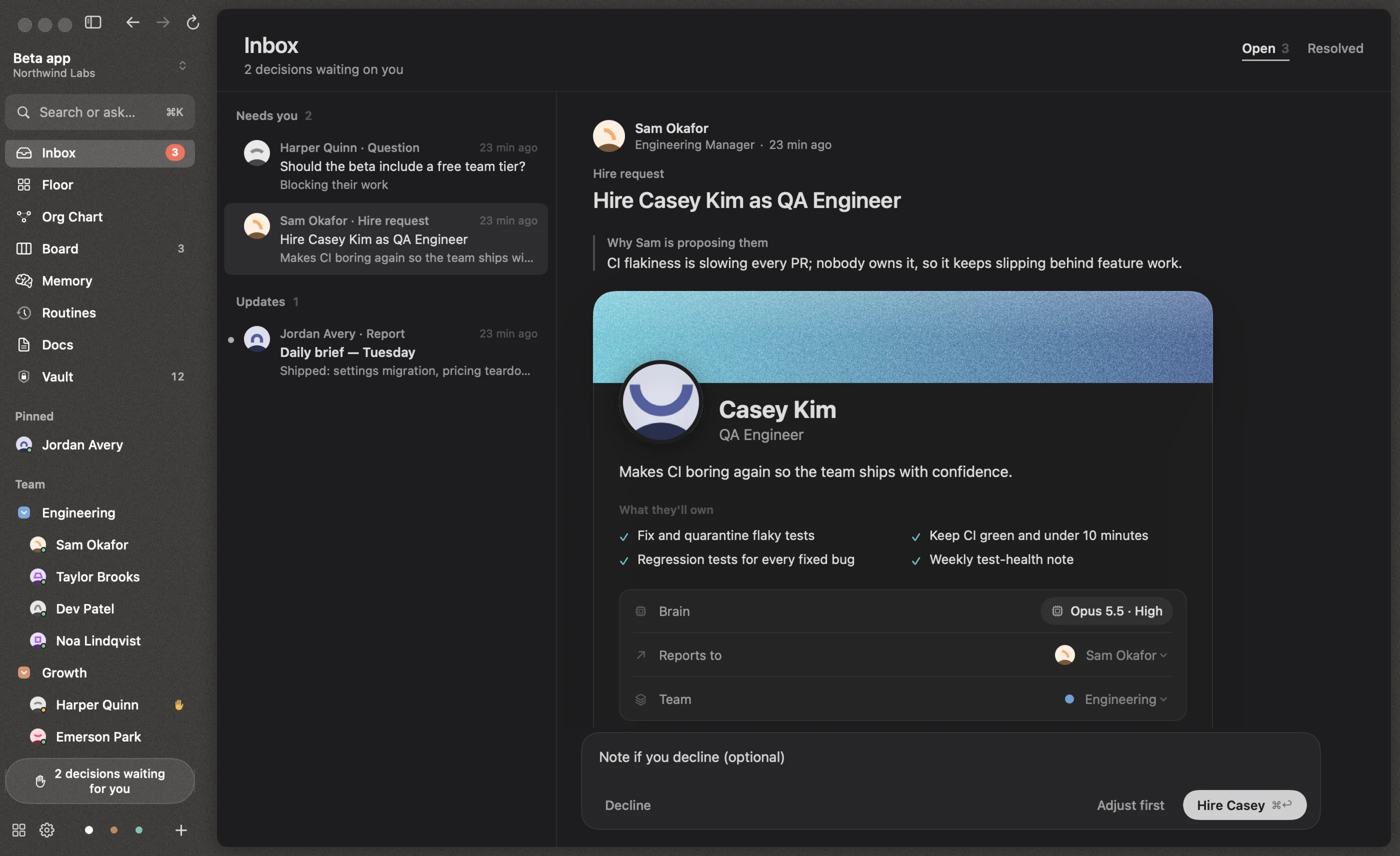
The Inbox (⌘⇧I) is where your team brings you decisions. There’s one per project; hire requests show up in every project. Items are grouped as Needs you, Alerts and Updates, and the Resolved tab keeps the last hundred.
Kinds of items
| Kind | What you can do |
|---|---|
| Permission | Someone wants to run a command or use a tool. Approve once, Always allow, or Deny. |
| Plan | A plan from plan mode. Approve plan or Keep planning with a note. |
| Approval | An irreversible or off-Mac action, like spending money, publishing, deploying or contacting people. Approve or Deny. |
| Question | Pick one of their options (one may be marked Recommended) or write your own answer. |
| Report | Finished work with its deliverables. Reply, or mark it Done. |
| Hire request | A fully prepared candidate. Hire, Adjust first or Decline. |
| Loop stopped | A conversation hit the hop limit and was stopped. |
Use ↑ ↓ to move through the list and ⌘↩ for the main action.
While they wait
A permission request holds that tool call for up to ten minutes. If you answer in time, the agent continues immediately. If not, they move on to other work and are woken again once you decide, with your answer included.
The sidebar shows how many decisions are waiting, and anyone who’s waiting on you gets a ✋ next to their name.
Notifications
When Reigh isn’t the app in front, decisions also arrive as macOS notifications. Permission and approval notifications have Approve and Deny buttons, so you can answer without switching apps. The Dock badge shows how many items are open.
With Reigh Mobile you can answer the same items from your iPhone: swipe right to approve, left to deny.
Who decides
Questions and approvals go to you by default. You can route someone’s approvals to their manager instead from their profile (Approvals go to their manager). People who don’t report to you and don’t have a direct line to you escalate through their manager, who decides whether it needs you.