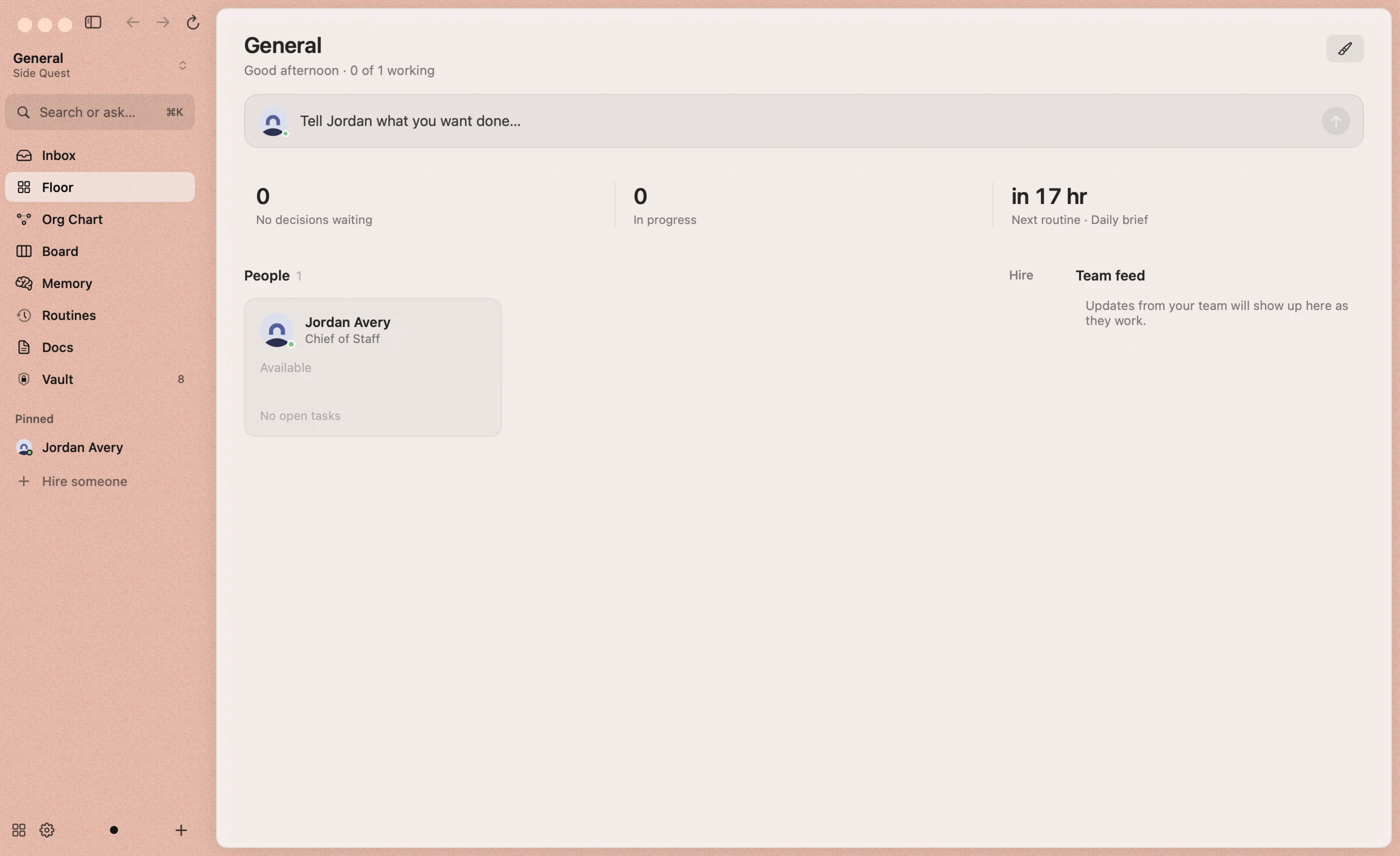
The office
Looks & themes
Give every workspace and project its own colour, grain and intensity, Arc-style.
Reigh’s window is translucent glass tinted with your workspace’s colours, with a little film grain. Each workspace has a look, and each project can have its own or match the workspace, so you always know where you are.
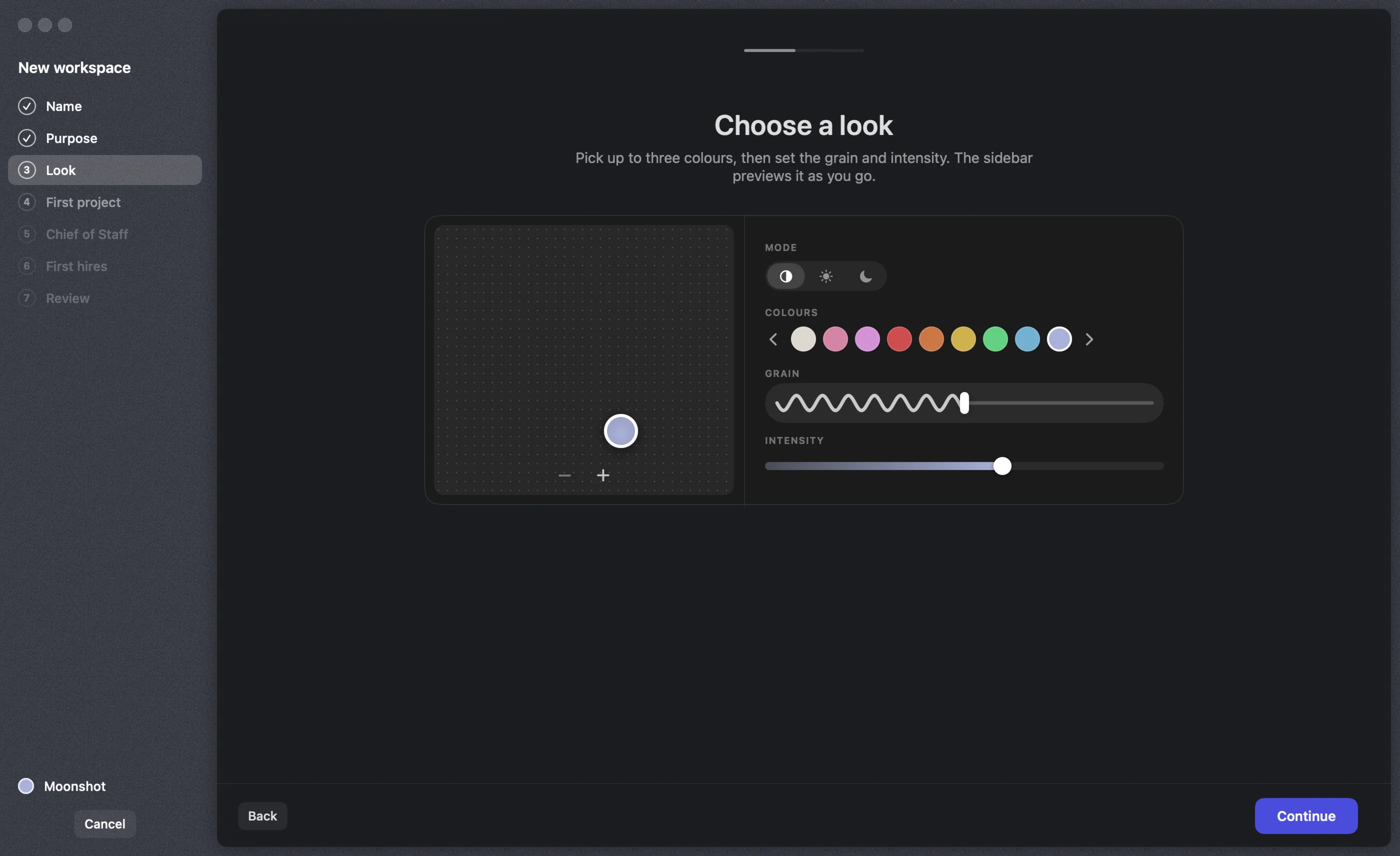
The theme studio
You’ll find it in the workspace and project wizards, and under Edit workspace & theme (the brush on the Floor).
- Colours: pick up to three. Drag the handles on the colour field, where left to right is hue and top to bottom is paleness, or choose a preset dot. Use − and + to change how many colours there are.
- Mode: match the system, light, or dark.
- Grain: the wavy slider sets how much film grain sits on the glass.
- Intensity: how strongly the colour tints the window over your desktop.
The whole window previews as you go.
Light and dark
Every screen works in both. Choose Match the system to follow macOS.